

Choose a platform
-
 Windows Version 10.8.2
81 MB
DownloadRecommended for your device
Overview
Introduction
In the field of disc partition management, AOMEI Partition Assistant stands out as a comprehensive and convenient solution. Developed by AOMEI Technology Co., Ltd., it provides a powerful set of tools to manage hard disk partitions, ensuring efficient memory usage and data organisation. Whether you are a home user or an IT professional, AOMEI Partition Assistant will simplify the complexities of disc management.
The developer behind AOMEI Partition Assistant
AOMEI Partition Assistant is developed by AOMEI Technology Co., Ltd., a company specialising in disk management and backup solutions. AOMEI Technology Co., Ltd., known for its commitment to creating user-friendly software, has gained recognition for creating reliable tools that meet the diverse needs of users solving disc-related tasks.
Key features
AOMEI Partition Assistant offers a number of features that allow you to effectively manage your disc partitions:
- Create and resize partitions: Users can create new partitions, resize existing partitions, and allocate free space to optimise disk usage.
- Merge and split partitions: AOMEI Partition Assistant allows you to merge adjacent partitions and split large partitions for better organisation.
- Disk Copying and Cloning: The software allows you to copy entire disks or clone individual partitions, making it easy to migrate and back up your data.
- OOS Migration: AOMEI Partition Assistant supports migrating the operating system to a new disc, ensuring a smooth transition without data loss.
- Partition Recovery: In case of accidental data loss or partition deletion, the software provides partition recovery tools.
User-friendly interface and experience
AOMEI Partition Assistant has an intuitive interface designed for users with different levels of technical expertise. Step-by-step wizards and clear navigation make the program accessible to both beginners and advanced users, ensuring convenient work with disc partitions.
Conclusion
AOMEI Partition Assistant, developed by AOMEI Technology Co., Ltd. is a reliable and convenient solution for managing disc partitions. Whether you are a home user looking to optimise your storage space or an IT professional tackling complex partition management tasks, AOMEI Partition Assistant provides all the tools you need to optimise your disk management processes. With an intuitive interface and a wide range of features, the software helps users work more efficiently with discs.
Features
Pros
- User-Friendly Interface
- Comprehensive Partition Management
- Data Protection
- Bootable Media Creation
Cons
- Free Version Limitations
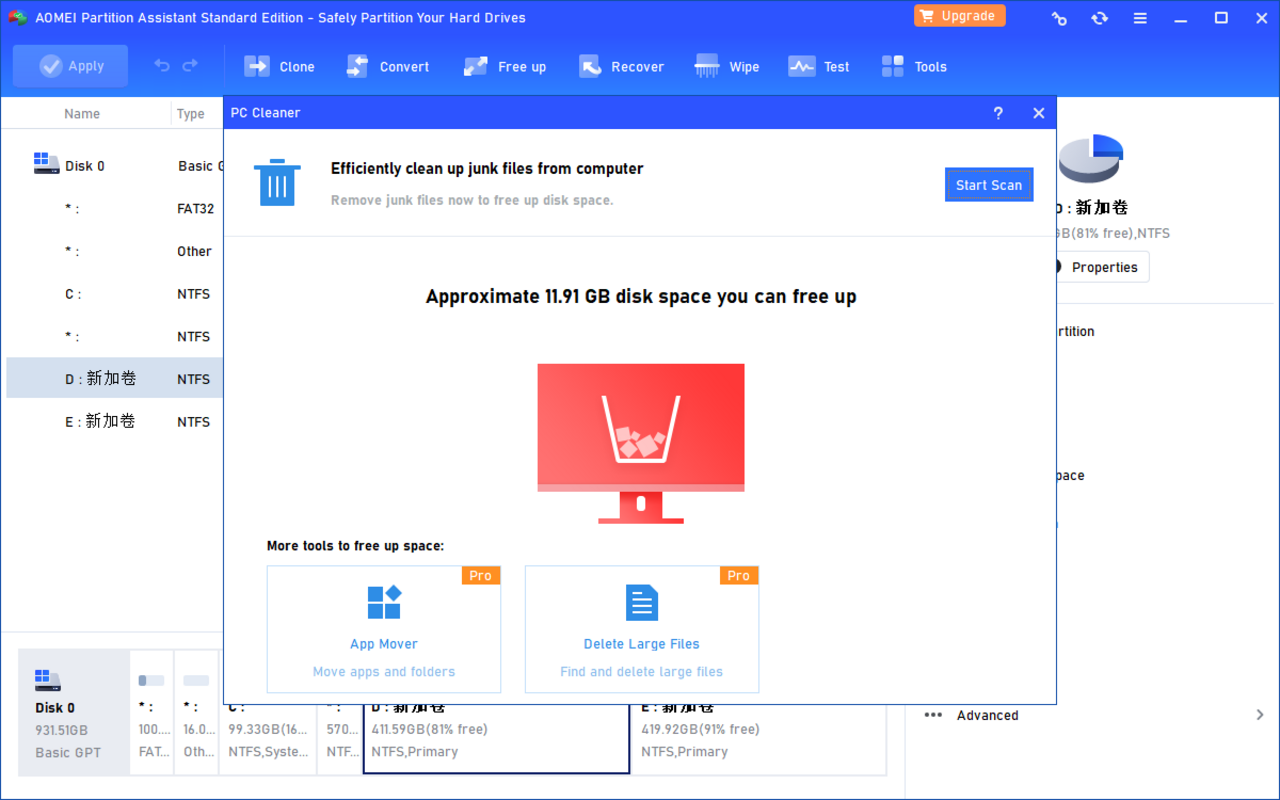
Screenshots
Ask a Question
Is AOMEI Partition Assistant free to use?
AOMEI Partition Assistant has both free and paid versions. The free version offers essential features, while the paid version (Professional Edition) provides advanced functionalities.
How does AOMEI Partition Assistant handle data loss?
Includes tools for partition recovery to address data loss issues caused by accidental deletion or other factors.
Can I migrate my operating system to a new drive with AOMEI Partition Assistant?
Yes, AOMEI Partition Assistant supports OS migration, allowing users to transfer their operating system to a new drive.
Does AOMEI Partition Assistant provide data backup features?
While AOMEI Partition Assistant primarily focuses on partition management, AOMEI, the developer, offers another tool called AOMEI Backupper that specializes in data backup.
Can I resize partitions without losing data with AOMEI Partition Assistant?
Yes, AOMEI Partition Assistant allows for the resizing of partitions without data loss, providing a safe and efficient solution.
Similar programs
-
 doPDF Softland
5 (1) Free 28 556
Windows
View doPDF -
 VirtualDJ Atomix Productions
4 (3) Free 64 571
Windows, Mac OS
View VirtualDJ -
 ProgDVB Prog
5 (1) Free 69 329
Windows
View ProgDVB


